Google Forms
How to Make an RSVP Form in Google Forms (and a Simpler Way)
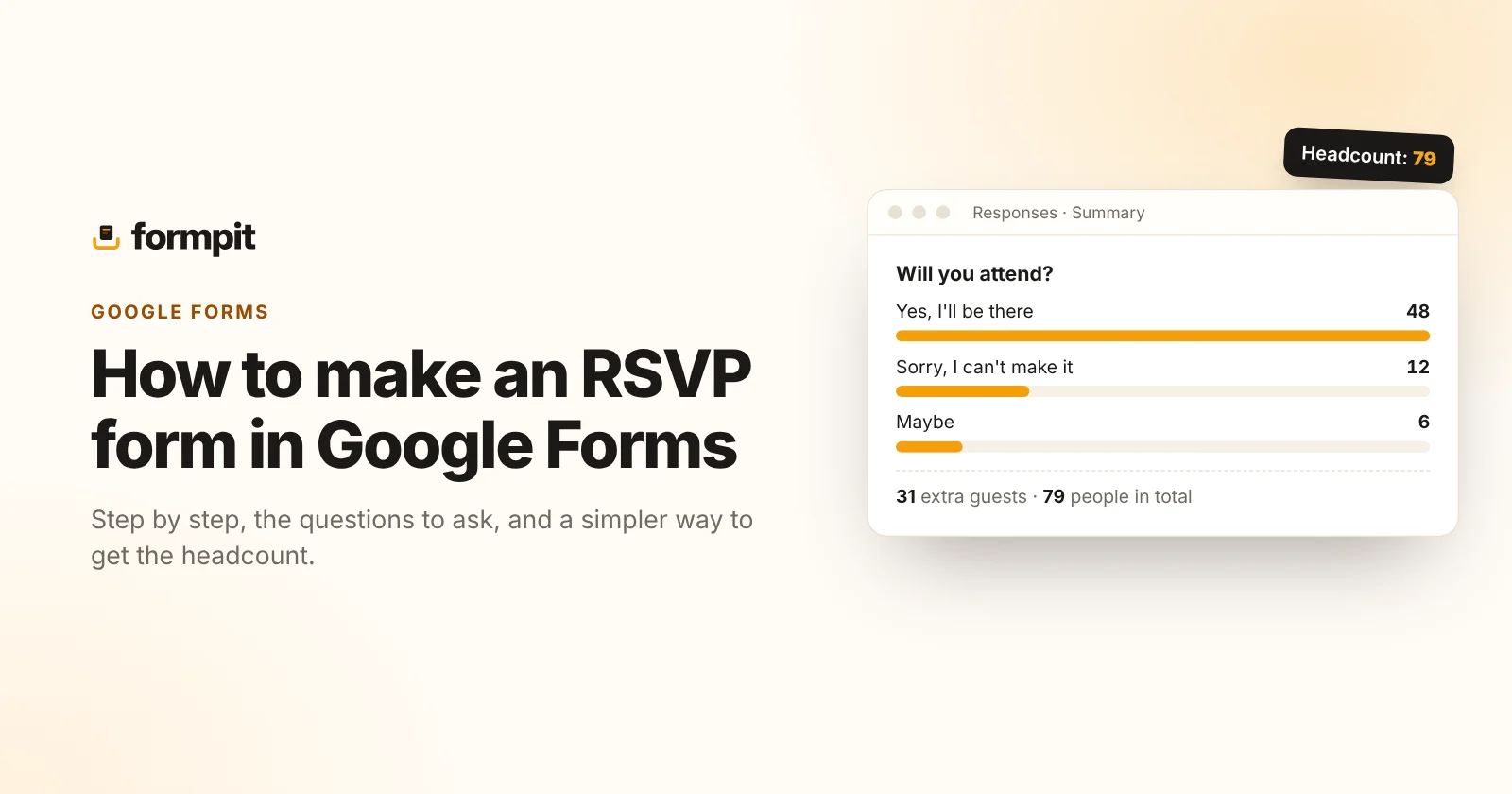
Google Forms is the default answer for “how do I make an RSVP form”, and for a small, simple event it works fine. Here's how to build one step by step, the questions worth asking, and the three places Google Forms gets awkward for RSVPs: adding up the headcount, closing when you're full, and putting it on a printed invitation.
Short version: start from Google's RSVP template, ask for a name, whether they're coming and how many people, then share the link. If you need a live headcount, a capacity limit or a QR code for the invite, a dedicated RSVP form saves you the spreadsheet work.
How to make an RSVP form in Google Forms
- Open Google Forms. Go to forms.google.com and sign in with your Google account.
- Pick a starting point. The template gallery at the top has an RSVP template. Choose it, or start a blank form if you'd rather write your own questions.
- Add the event details. Click the title and description to change them. Put the date, time, address and a reply-by date in the description, so guests don't need to find the invitation again.
- Edit the questions. Click a question to change its wording and type. Use the + button in the floating toolbar to add one and the bin icon to remove one. The questions we recommend are below.
- Set the confirmation message. In Settings → Presentation, change the message guests see after they submit, for example “Thanks! See you on the 12th.”
- Turn on notifications. In the Responses tab, open the three-dot menu and choose Get email notifications for new responses.
- Send it. Press Send to email the form, copy a link, or get an embed code for a website.
When replies stop being useful, for example after the reply-by date, go to the Responses tab and switch off Accepting responses.
A Google RSVP form template: the questions to ask
Most RSVP forms only need four or five questions. Every extra one lowers the number of people who finish.
| Question | Type | Why |
|---|---|---|
| Your name | Short answer, required | So you know who replied. |
| Will you attend? | Multiple choice, required: Yes / No / Maybe | The answer you actually need. Required, so nobody skips it. |
| How many people, including you? | Short answer with number validation | The real headcount, rather than a yes/no plus-one. |
| Dietary needs or allergies | Paragraph | For the caterer. |
| Short answer, optional | Only if you'll send updates. |
For weddings, add a meal choice as multiple choice. For events with several sessions, add the session as multiple choice so you can see how full each one is.
Where Google Forms gets awkward for RSVPs
Adding up the headcount
The Summary view shows charts for multiple-choice answers, so you'll see how many said yes. The number of guests is a different story: to get a total, people usually link the form to a Google Sheet and add a SUM formula, then keep that sheet tidy as replies change.
Closing when you're full
Google Forms doesn't have a built-in limit on the number of responses. You either watch the count and switch off Accepting responses yourself, or install an add-on such as Form Limiter to do it for you.
Printed invitations
Google Forms gives you a link, an email and an embed code. For a printed invite or a poster, you'll need to turn that link into a QR code with another tool.
Smaller things
- The form looks like Google Forms. You can change the header image, colours and font, but not much beyond that.
- If you add a file upload question, for example for a photo, guests have to sign in with a Google account to answer.
- Replies go to a spreadsheet. If you want to answer a guest, that happens in your own email, one by one.
None of these are deal-breakers for a dinner with 15 friends. They start to matter at 80 guests, two sessions and a caterer waiting for numbers.
A simpler way: an RSVP form with the headcount built in
Formpit's RSVP form starts with the questions above already in place, and handles the awkward parts for you:
- Live headcount. The summary shows yes and no, and adds up the number-of-guests answers into one total. No spreadsheet.
- Closes itself. Set a response limit at your capacity, a closing date, or both, with your own “We're full” message.
- QR code included. Download it as PNG or SVG for the invitation, next to the link, WhatsApp button and embed code.
- Your look. Pick the colours, font and corner style, and add your logo or monogram. The thank-you page matches.
- Fewer emails. Get one email per reply, one summary a day, or none.
Guests don't need an account to reply. The free plan covers 500 responses a month; there are ready-made versions for weddings, events with sessions, baby showers and charity dinners.
| Google Forms | Formpit | |
|---|---|---|
| Price | Free | Free up to 500 responses a month |
| RSVP template | Yes | Yes, plus wedding, event, baby shower and charity versions |
| Total number of guests | Via a linked Google Sheet | In the summary |
| Close at a capacity | With an add-on | Built in |
| QR code for invitations | Separate tool | Built in |
| Daily summary email | No, one email per response | Yes |
| Guests need an account | No, except for file uploads | No |
Tips for any RSVP form
- Put the reply-by date in the form's description, and close the form on that date.
- Ask “How many people, including you?” instead of a plus-one checkbox. It's one number to add up.
- Keep it under five questions. Ask anything else in the confirmation email.
- Test the form on your phone before sending it. Most guests will open it there.
Frequently asked questions
Does Google Forms have an RSVP template?
Yes. The template gallery at the top of Google Forms includes an RSVP template you can edit, or you can start from a blank form.
How do I stop a Google Form from accepting RSVPs?
Open the Responses tab and switch off Accepting responses. Google Forms has no built-in response limit, so closing automatically at a number needs an add-on such as Form Limiter.
How do I count the total number of guests in Google Forms?
Link the form to a Google Sheet and add a SUM formula over the number-of-guests column. Formpit adds this up in its summary for you.
Can I put a Google Form RSVP on a printed invitation?
Yes, by turning the form link into a QR code with a separate tool. Formpit includes a QR code download with every form.