Webflow
Webflow Form Submission Limit (2026): What It Is and How to Get Past It
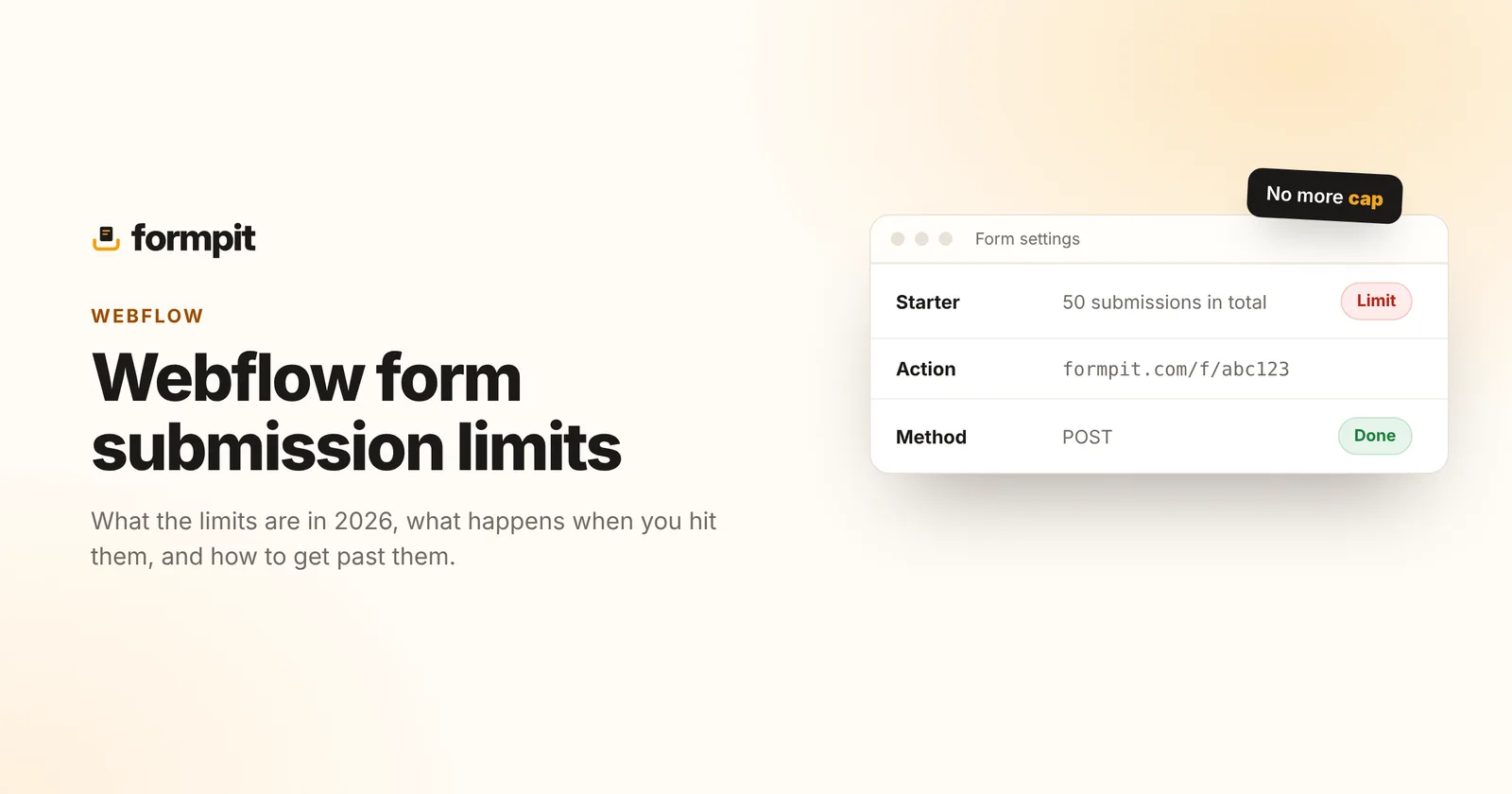
Webflow forms are easy to add, but they come with limits that catch people out: a hard cap on free sites, notifications that stop when you change one setting, and few options for what happens to submissions afterwards. Here's what the limits are today, what happens when you hit them, and how to send your Webflow form somewhere else in a couple of minutes.
Plans change. Webflow has changed its form limits several times, and older site plans can keep their old limits. Everything below was checked against Webflow's own pricing and help pages in November 2026. Check your own plan in the site's settings too.
Webflow's form limits in 2026
| Site plan | Form submissions | File uploads in forms |
|---|---|---|
| Starter (free, on a webflow.io address) | 50 in total, for the life of the site | No |
| Basic ($15/mo billed yearly) | Listed as unlimited | No |
| Premium ($25/mo billed yearly) | Listed as unlimited | Yes, up to 10 MB per file |
The free cap is the one most people hit. A site without a paid plan accepts 50 submissions in total, and Webflow's help centre says forms simply stop submitting once that's used. It's easy to burn through while testing, or when a launch page gets more interest than expected.
On paid plans, check which plan your site is on and when you bought it. A Webflow update in the past moved some plans to monthly caps, such as 100 a month on Basic and 2,000 on Business with a charge of $1 per 100 extra, for new subscriptions. Today's pricing page lists Basic and Premium as unlimited, but sites bought under another plan can keep the terms they had.
The limits that aren't about numbers
- Notifications stop with a custom action. As soon as you set your own form action URL, Webflow no longer processes the form or sends notification emails, because the custom action bypasses Webflow's form handling. That's expected, and it's how you move to another service, but it surprises people who only wanted to add an integration.
- File uploads need a higher plan. The file upload field is listed on Premium, with a 10 MB limit per file.
- Replying happens elsewhere. Submissions arrive in Webflow and by email, but there's no inbox for tracking which messages you've answered.
- Spam counts too. On the free plan, bot submissions use up the same 50.
How to tell you've hit a limit
- The form shows Webflow's error message ("Oops! Something went wrong while submitting the form") for every visitor.
- Submissions stop appearing in the site's Forms tab.
- Notification emails stop, even though people say they've filled in the form.
If notifications stopped but submissions still appear in Webflow, the problem is more likely email delivery: check spam, and check the notification address in the site settings. Our guide to form emails going to spam covers the causes.
How to get past the limit: point the form somewhere else
Webflow lets you set the action of any Form Block. Point it at a form backend and submissions go there instead, with that service's limits. With Formpit:
- Create a free form at Formpit and copy its endpoint from the Setup tab. It looks like
https://formpit.com/f/abc123. - In the Webflow Designer, select your Form Block (the outer form, not the button) and open its settings.
- Set Action to your endpoint and Method to POST.
- Check every input has a Name in its settings, such as
name,emailandmessage. That name is what you'll see in each submission. - Publish the site and send a test from the live page, not the Designer preview.
Formpit then receives each submission, emails it to you with the visitor's address as reply-to, and keeps it in an inbox where you can reply and mark it New, Replied or Closed. The free plan covers 500 submissions a month on unlimited forms, and over that limit submissions are still stored; only the email notifications pause until the next month.
Add a spam trap
Add an Input to the form, set its Name to _gotcha, and hide it with display: none. People never see it; bots fill it in and Formpit files their submissions as spam.
Show your own thank-you page
With a custom action, the visitor leaves Webflow's success message behind. In Formpit's form settings, set a redirect to a thank-you page on your Webflow site, such as /thanks, or style Formpit's thank-you page with your colours and logo.
File uploads without the Premium plan
Webflow's own upload field needs Premium. With a custom action you can use a plain file input in an Embed element instead:
<form action="https://formpit.com/f/YOUR_FORM_ID" method="POST" enctype="multipart/form-data">
  <label>Email <input type="email" name="email" required></label>
  <label>Brief <input type="file" name="brief" accept=".pdf,.doc,.docx"></label>
  <button type="submit">Send</button>
</form>
File uploads are on Formpit Pro: up to 5 files per submission, 10 MB each. See the file upload form template for more versions.
Should you keep Webflow's forms at all?
If you're on a paid plan with unlimited submissions and you only need an email for each one, Webflow's built-in forms are fine. Move to a form backend when you're on the free plan, you need uploads without upgrading, you want one inbox for several sites, or you want to reply to and track every message. It takes about two minutes, and you can switch back by clearing the action field.
Frequently asked questions
How many form submissions does Webflow allow for free?
A site without a paid plan accepts 50 form submissions in total, according to Webflow's help centre. After that the form stops submitting.
Do paid Webflow plans have a form limit?
Webflow's pricing page lists Basic and Premium site plans with unlimited form submissions as of November 2026. Sites bought under older plans can keep the limits they had.
Why did my Webflow form notifications stop?
If you set a custom form action, Webflow no longer processes the form or sends notifications. Otherwise, check your spam folder and the notification address in the site settings.
How do I send a Webflow form to another service?
Select the Form Block, open its settings, set Action to the service's endpoint URL and Method to POST, then publish and test on the live site.