Guide
How to Make an HTML Form Send Email (4 Ways, With Code)
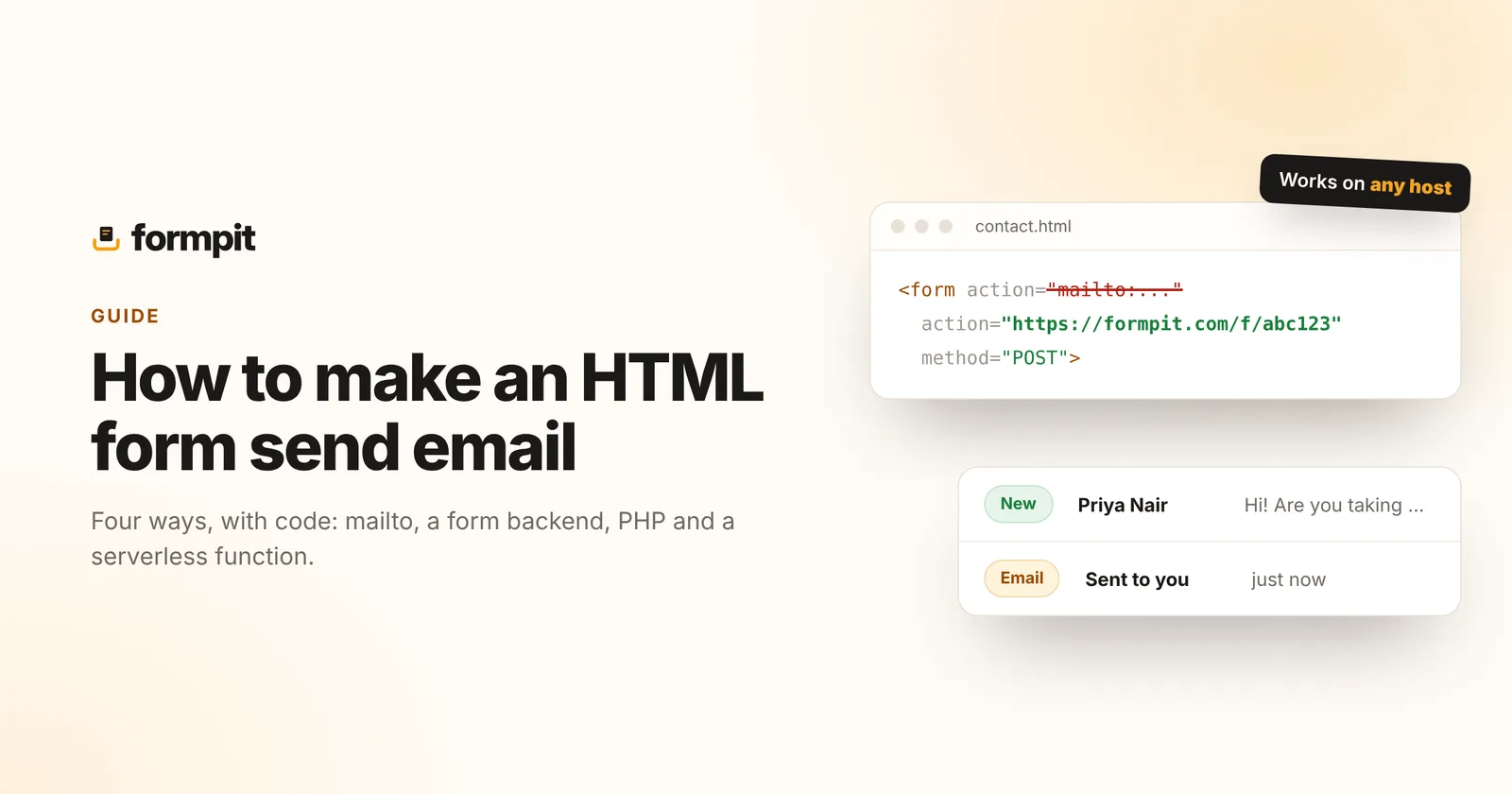
You've built a form, someone presses Send, and nothing reaches your inbox. That's because HTML can show a form but can't send email on its own. Something has to receive the submission and turn it into an email. This guide covers the four ways to do that, with code for each, so you can pick the one that fits your site.
Short answer: set your form's action to a form backend URL and method to POST. The backend receives each submission and emails it to you, with no server code. The rest of this guide explains why, and the alternatives.
Why an HTML form can't send email by itself
A form only describes what to collect and where to send it. When someone submits, the browser packages the fields and sends an HTTP request to the address in the form's action attribute. Sending an email needs a mail server, a sender address and authentication, none of which exist in a web page.
<form action="WHERE_TO_SEND" method="POST">
  <input name="email" type="email" required>
  <textarea name="message" required></textarea>
  <button type="submit">Send</button>
</form>
So the real question is what sits at WHERE_TO_SEND. There are four common answers.
Option 1: a mailto: action (not recommended)
You can set the action to mailto:you@example.com. When someone submits, the browser tries to open their own email app with the fields pasted into a new message.
<form action="mailto:you@example.com" method="POST" enctype="text/plain">It's free and needs nothing else, but it rarely works well:
- Many visitors use webmail and have no desktop mail app set up, so nothing happens when they press Send.
- Even when it works, the visitor still has to press Send in their mail app. Many don't.
- Your address sits in the page source, where scrapers collect it for spam.
- You get no record of the submission, no spam filtering and no file uploads.
Use it only for a personal page where losing some messages doesn't matter.
Option 2: a form backend service (easiest)
A form backend is a service with a URL that accepts form submissions. You point your form at it; it stores the submission, filters spam and emails it to you. This is how most static sites, site builders and AI-built apps handle contact forms.
<form action="https://formpit.com/f/YOUR_FORM_ID" method="POST">
  <label>Name <input name="name" required></label>
  <label>Email <input name="email" type="email" required></label>
  <label>Message <textarea name="message" required></textarea></label>
  <input type="text" name="_gotcha" style="display:none" tabindex="-1" autocomplete="off">
  <button type="submit">Send</button>
</form>
That's the whole integration. With Formpit, each submission is emailed to you with the visitor's address as the reply-to, saved in an inbox you can reply from, and checked for spam. The hidden _gotcha field is a honeypot: people never see it, bots fill it in and get filtered out.
- Good for: static sites, GitHub Pages, Webflow, Framer, WordPress without plugins, React and Next.js apps, and anything built with an AI tool.
- Cost: many have a free plan. Formpit's covers 500 submissions a month on unlimited forms.
- Trade-off: a third party processes your form data, so mention it in your privacy policy.
If you'd rather keep visitors on the page, send the same form with JavaScript. The backend replies with JSON, and you show your own thank-you message:
form.addEventListener("submit", async (e) => {
  e.preventDefault();
  const res = await fetch(form.action, {
    method: "POST",
    headers: { Accept: "application/json" },
    body: new FormData(form),
  });
  form.innerHTML = res.ok ? "<p>Thanks, we'll be in touch.</p>" : "<p>Something went wrong.</p>";
});
Option 3: a PHP script on your own server
If your site runs on shared hosting with PHP, a small script can receive the form and call mail(). Point the form's action at contact.php:
<?php
if ($_SERVER['REQUEST_METHOD'] !== 'POST') { http_response_code(405); exit; }
$email   = filter_var($_POST['email'] ?? '', FILTER_VALIDATE_EMAIL);
$message = trim($_POST['message'] ?? '');
if (!$email || $message === '') { http_response_code(400); exit('Please fill in both fields.'); }
$headers = "From: website@yourdomain.com\r\nReply-To: $email";
mail('you@yourdomain.com', 'New contact form message', $message, $headers);
header('Location: /thanks.html');
Notice the From address is on your own domain, with the visitor in Reply-To. Sending "from" the visitor's address is the most common reason form emails go to spam. Even then, mail() on shared hosting often lands in spam or is blocked, because the server isn't authorised to send for your domain. You also need to add spam protection, rate limits and input validation yourself.
Option 4: a serverless function with an email API
If you host on Vercel, Netlify or Cloudflare, you can write a small function that receives the form and sends the email through a provider such as Resend, Postmark or SendGrid. Here's the idea as a Next.js route handler:
// app/api/contact/route.js
export async function POST(req) {
  const data = await req.formData();
  const r = await fetch("https://api.resend.com/emails", {
    method: "POST",
    headers: { Authorization: `Bearer ${process.env.RESEND_API_KEY}`, "Content-Type": "application/json" },
    body: JSON.stringify({
      from: "Website <forms@yourdomain.com>",
      to: "you@yourdomain.com",
      reply_to: data.get("email"),
      subject: "New contact form message",
      text: data.get("message"),
    }),
  });
  return Response.json({ ok: r.ok });
}
This gives you full control and good deliverability, once you've verified your domain with the email provider. You also own everything else: validation, spam filtering, storing submissions somewhere, and noticing when sending fails.
Which option should you use?
| mailto: | Form backend | PHP mail() | Serverless + email API | |
|---|---|---|---|---|
| Setup time | 1 minute | 2 minutes | 30 minutes | 1 hour+ |
| Works on static hosts | Yes | Yes | No | Only on hosts with functions |
| Reliable delivery | No | Yes | Often lands in spam | Yes, once your domain is set up |
| Spam filtering | No | Built in | Build it yourself | Build it yourself |
| Keeps a copy of submissions | No | Yes | Only if you add a database | Only if you add a database |
| File uploads | No | Usually, on paid plans | Yes, with extra code | Yes, with extra code |
For most sites, a form backend is the right answer: it's the quickest, works on any host and handles the parts that are easy to get wrong. Write your own when you need the data to stay on your servers, or you're already running a backend.
Checklist before you go live
- Every input has a
name. Fields without one are never sent; see common form mistakes. - The form uses
method="POST", and the action is the full URL includinghttps://. - File inputs have
enctype="multipart/form-data"on the form. - There's spam protection: a honeypot at least, and a captcha if bots still get through.
- The email field uses
type="email", so replies go to a real address. - You've sent a real test from the live site and checked both the email and your spam folder.
Want a ready-made form? Build one in the HTML form generator or copy a template, then point it at a free Formpit endpoint.
Frequently asked questions
Can an HTML form send an email by itself?
No. A form only sends its fields to the address in its action attribute. Something at that address, such as a form backend, a PHP script or a serverless function, has to turn the submission into an email.
What is the easiest way to make a form send email?
Point the form's action at a form backend service and set method to POST. It receives each submission and emails it to you, with no server code.
Why doesn't mailto: work for forms?
It opens the visitor's own email app, which many people don't have set up, and they still have to press Send. You also get no copy of the message and no spam filtering.
Why do my form emails go to spam?
Usually because the email is sent from the visitor's address or from a server that isn't authorised to send for your domain. Send from your own domain and put the visitor in Reply-To.